Export a finished analysis
Take a completed run out of TranscriptX as a portable package.
Outcome
You will have created an export ZIP containing selected artifacts plus index.html (and index.epub when EPUB support is installed), and you will know what the package can and cannot do offline.
Starting point
A completed analysis run is selected for the planning-review transcript (from First analysis or later workflows). Local AI is not required.
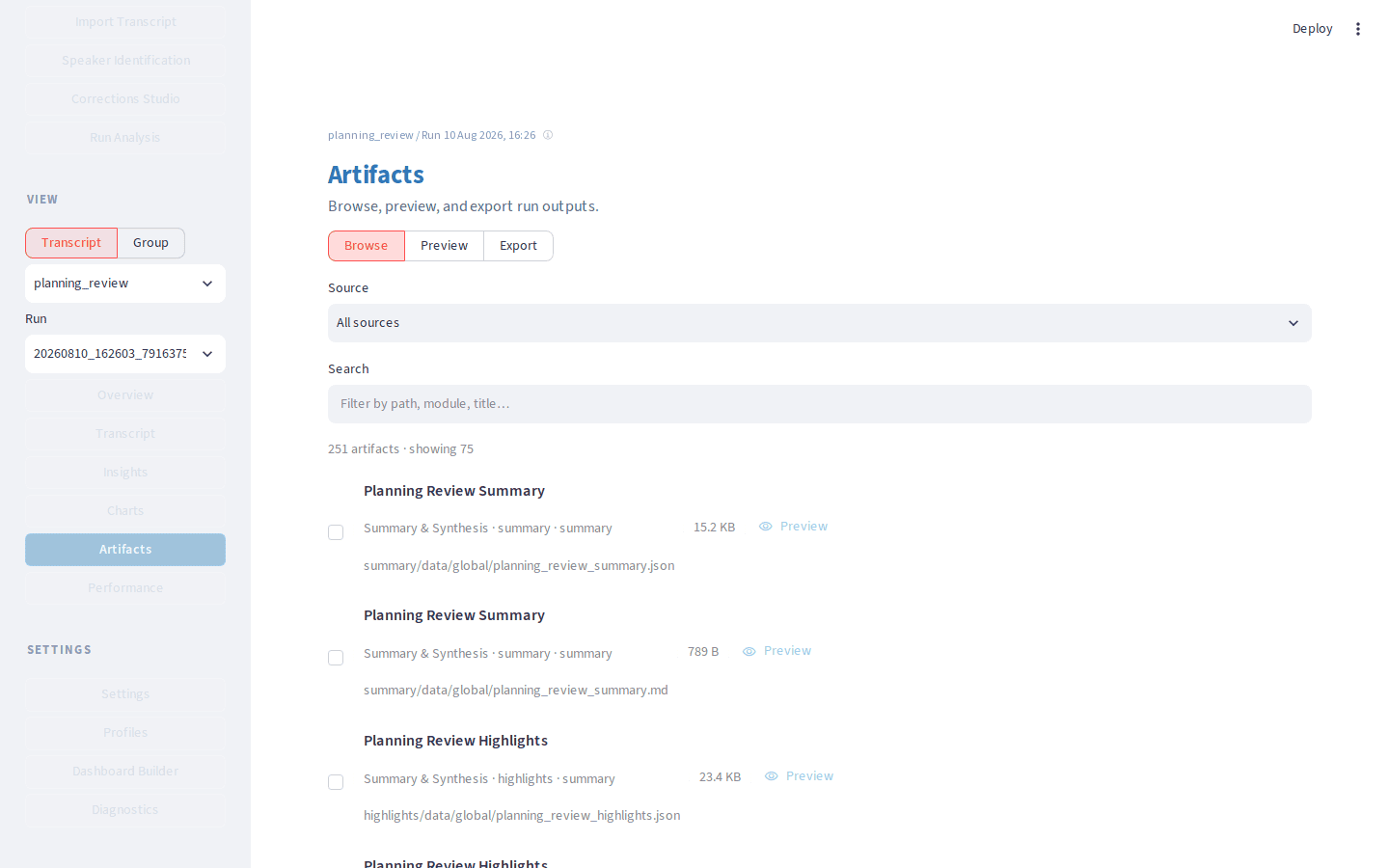
The browse figure is the artifact list from the BBNJ webinar Balanced run.
What you’ll do
Confirm the transcript and run.
Open Artifacts and preview if useful.
Create the export package.
Download and open the HTML index.
Note EPUB and interactivity limits.
Walkthrough
In the sidebar workspace pickers, confirm the planning-review transcript and the run you want to share.
Open Artifacts. Use Browse to see what the run produced, or Preview to skim a file without leaving the app.
Switch to Export. Pick one sensible package (for example All, or the default selection that covers the transcript, summaries, and charts you care about).
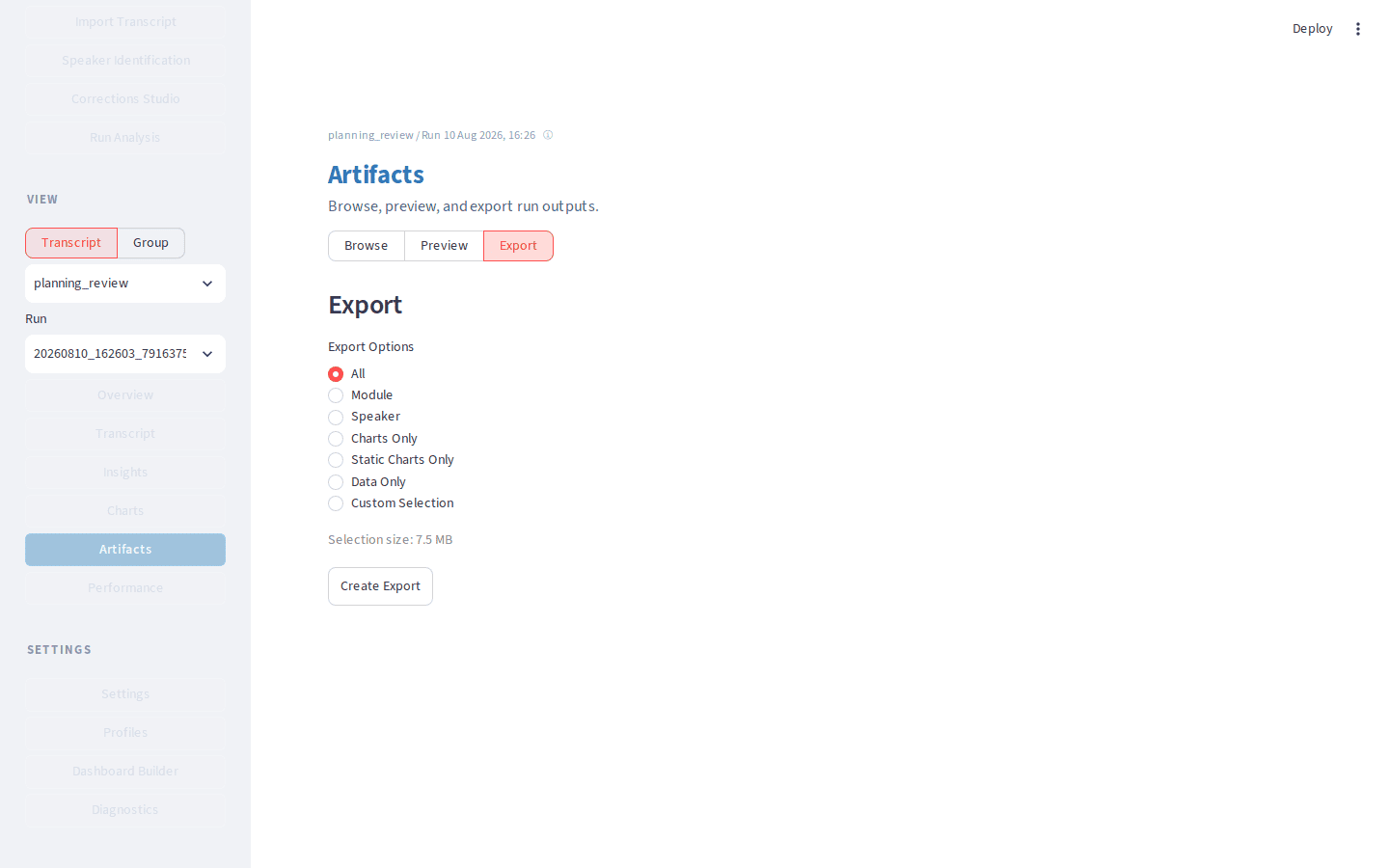
Choose Create Export, then Download Export when the ZIP is ready.
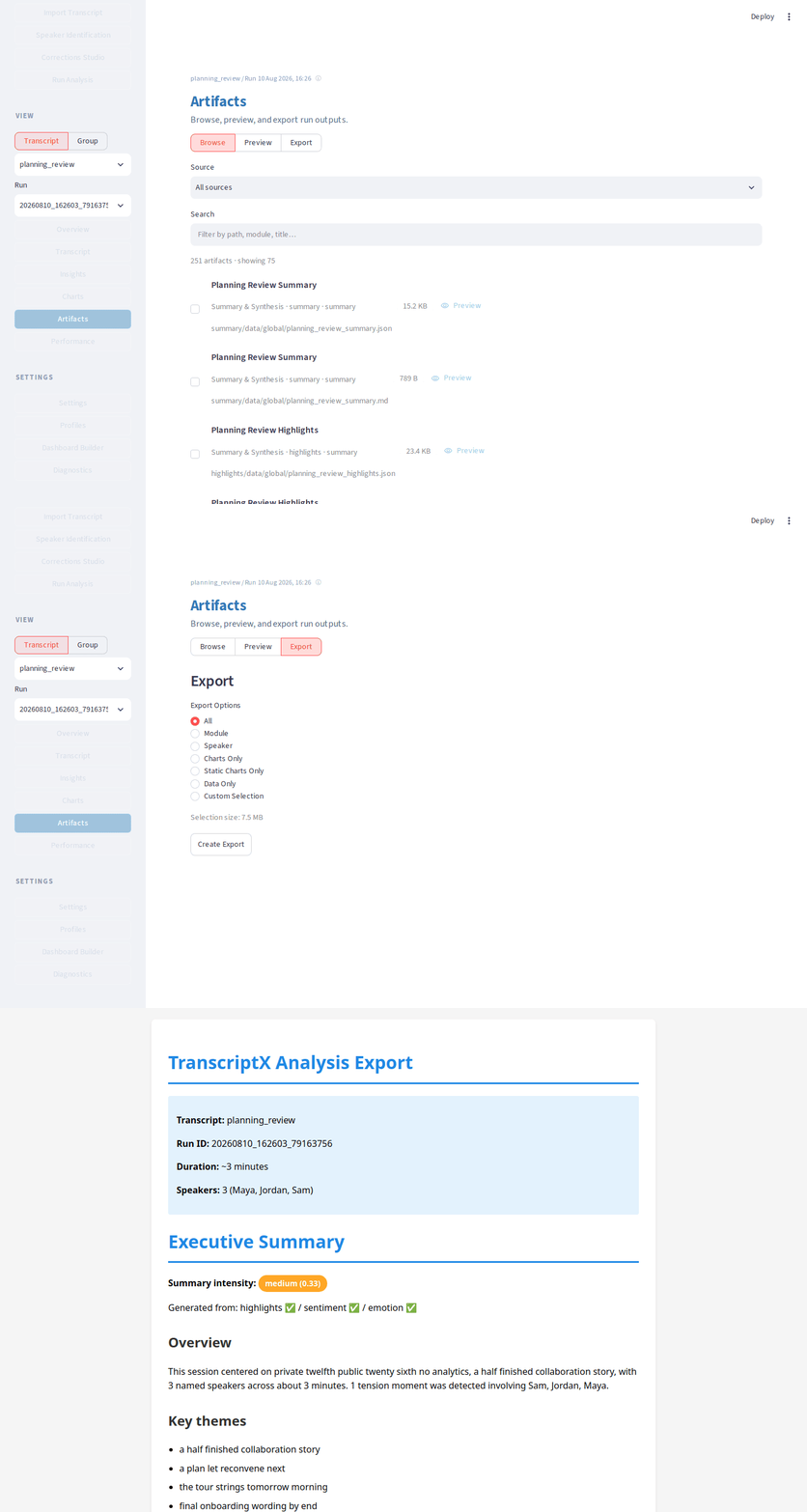
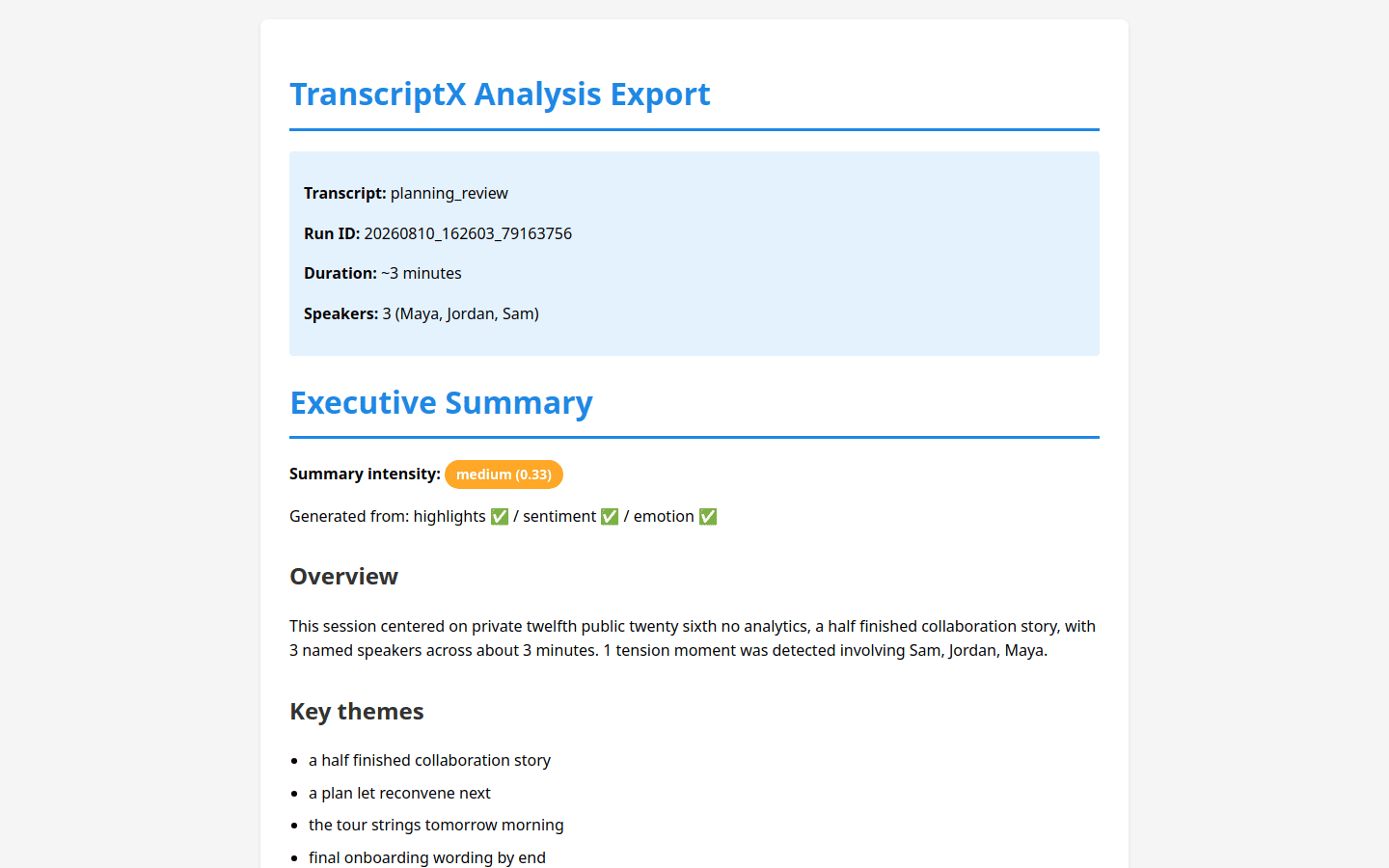
Unpack the ZIP. Open
index.htmlin a browser overfile://. You should see a reading page built from the same selection you exported (transcript view, prose summaries when present, charts gallery notes or images).
Look for
index.epubbeside the HTML whenebooklibis available (visualization / full installs and Docker images usually include it). Missing EPUB does not invalidate the ZIP of raw files.Remember the limits: interactive chart HTML is not fully runnable inside the static package; static chart images embed when present. Details and size caps are in Exporting runs.
What to notice
Export is selection-scoped: HTML/EPUB only include what you chose to copy into the ZIP.
Artifacts Preview is for inspection; Export is for taking work elsewhere.
Overview can also offer export entry points; Artifacts → Export is the place to package a finished run.
Large selections warn or hard-cap; prefer a focused package for sharing.
You should now have…
A downloaded ZIP for the sample run, with index.html opened locally and a clear sense of what remains interactive versus static.
Next
Known limitations (EPUB / interactive charts)
Using TranscriptX to pick another task