First analysis: from transcript to useful results
The shortest realistic path from importing a transcript to reading your first analysis results.
Outcome
You will have imported a transcript, named diarized speakers, completed a Balanced analysis run, and read the summary, at-a-glance metrics, and speaker cards on Overview.
Starting point
TranscriptX is running and you can open the sidebar. You do not need local AI for this workflow.
Download or copy the sample file planning_review.json so you can import it.
The screenshots are a Balanced run of Rapid Response Webinar Analysing the Biodiversity Beyond National Jurisdiction Treaty, after speakers were named. The clicks are the same with the sample file.
For a native install from git (not Docker), install chart dependencies before Balanced — for example ./transcriptx.sh or pip install -e ".[full,web]" — so modules that write charts do not fail mid-run. See Installation.
What you’ll do
Import the sample transcript.
Glance at the transcript text.
Name speakers in Speaker Identification (required for most Balanced modules on diarized labels).
Run analysis with the Balanced preset.
Open Overview and note the main results.
Decide where to go next.
Walkthrough
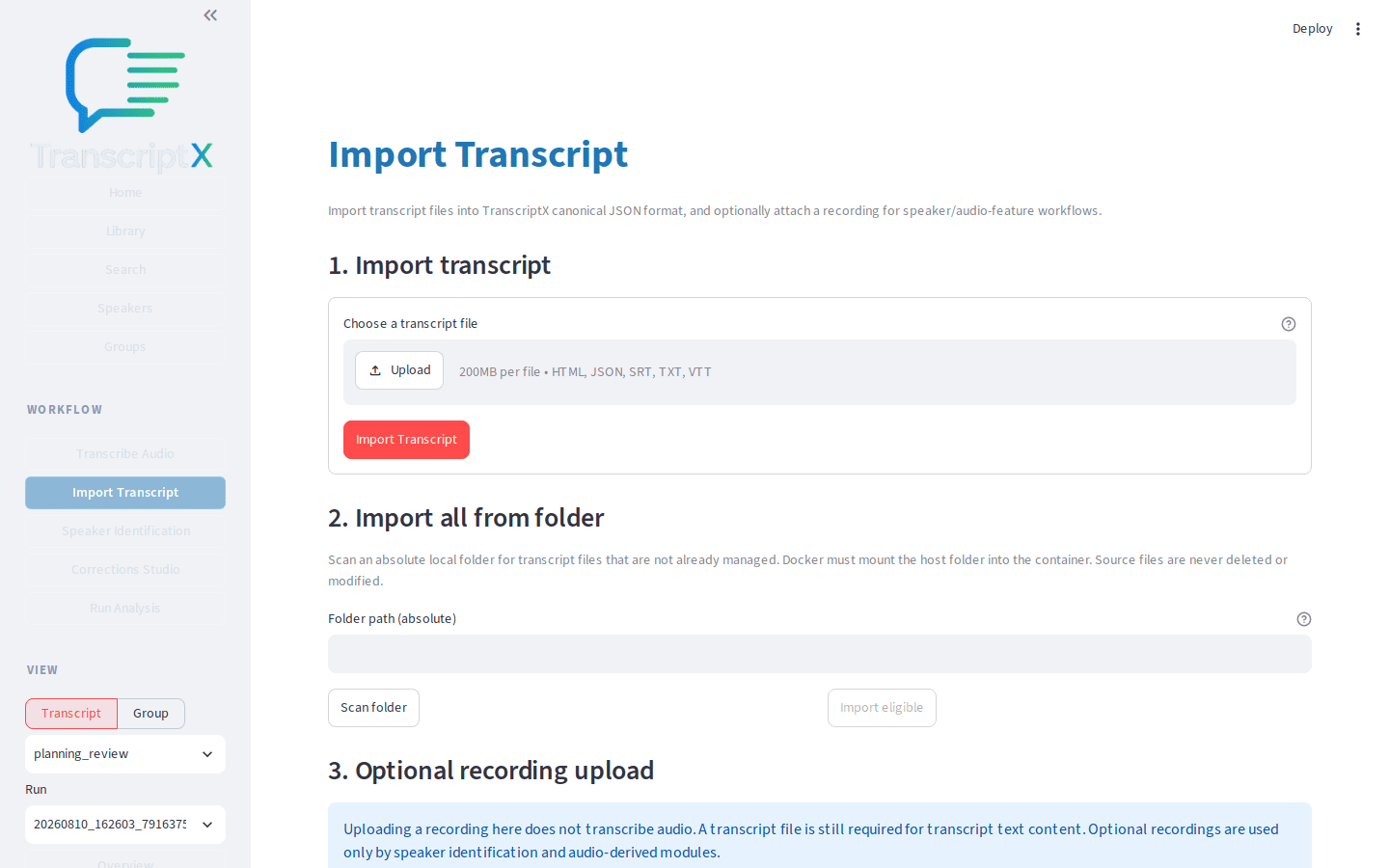
Open Import Transcript. Upload
planning_review.jsonand confirm the import. The library should list Launch planning review (docs walkthrough) (or the filename stem if the title is shown differently).
Open Library, select the new transcript in the table, then open Transcript. Skim a few turns so you know the cast uses diarized labels such as
SPEAKER_00.Open Speaker Identification for the same transcript. Assign a display name to each diarized speaker (or ignore junk labels). Most speaker-aware modules skip until names exist — running Balanced before this step usually yields an empty or sparse Overview.
Open Run Analysis. Keep the target as Transcript and the analysis preset as Balanced (the default). Balanced runs a practical core set without requiring local AI for the non-LLM modules. The footer shows a guidance-only wall-time range for this machine (see hardware.md) — it never blocks Run analysis.
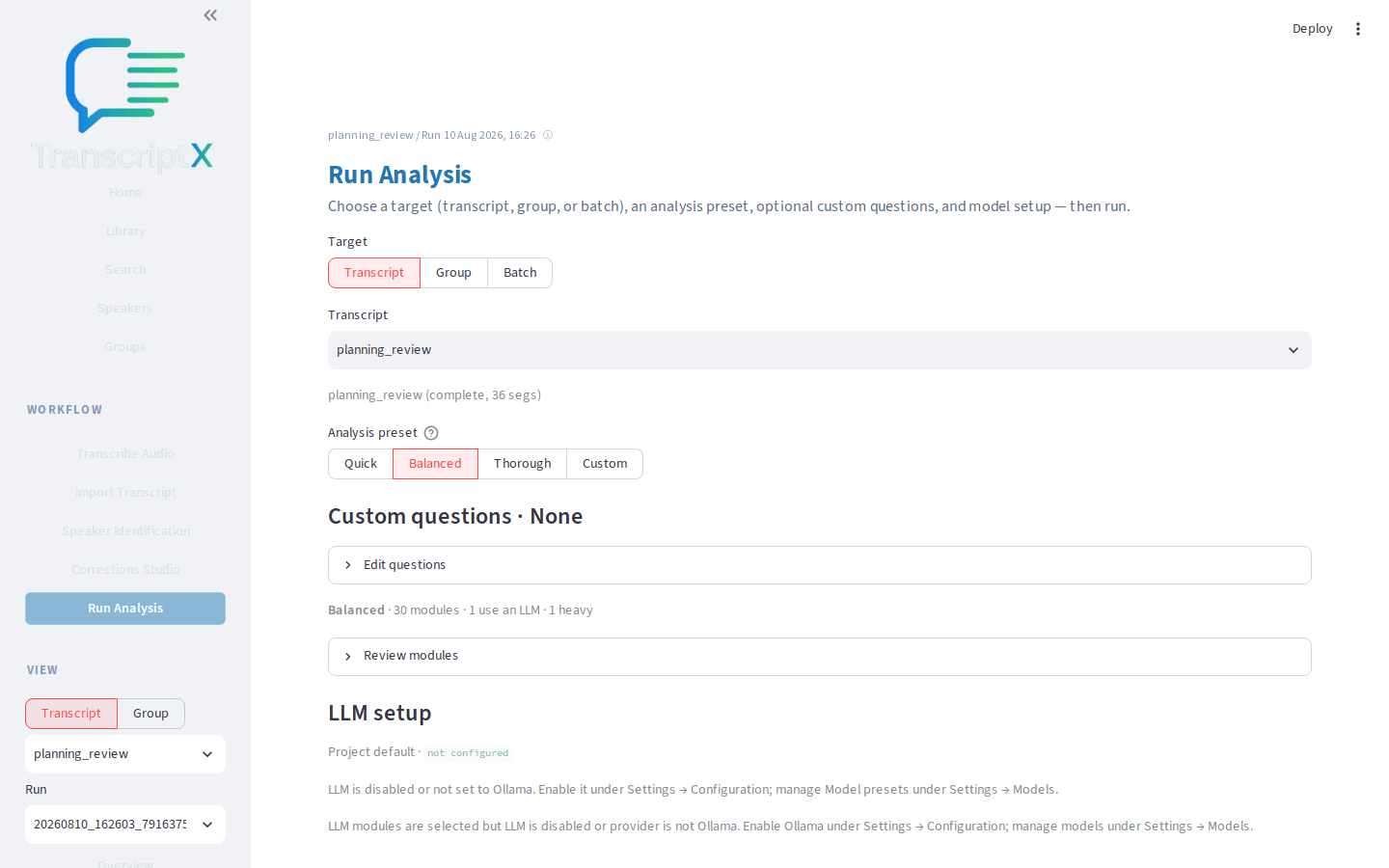
Choose Run analysis and wait until the progress panel reports completion. A success message naming the output folder appears when the run finishes.
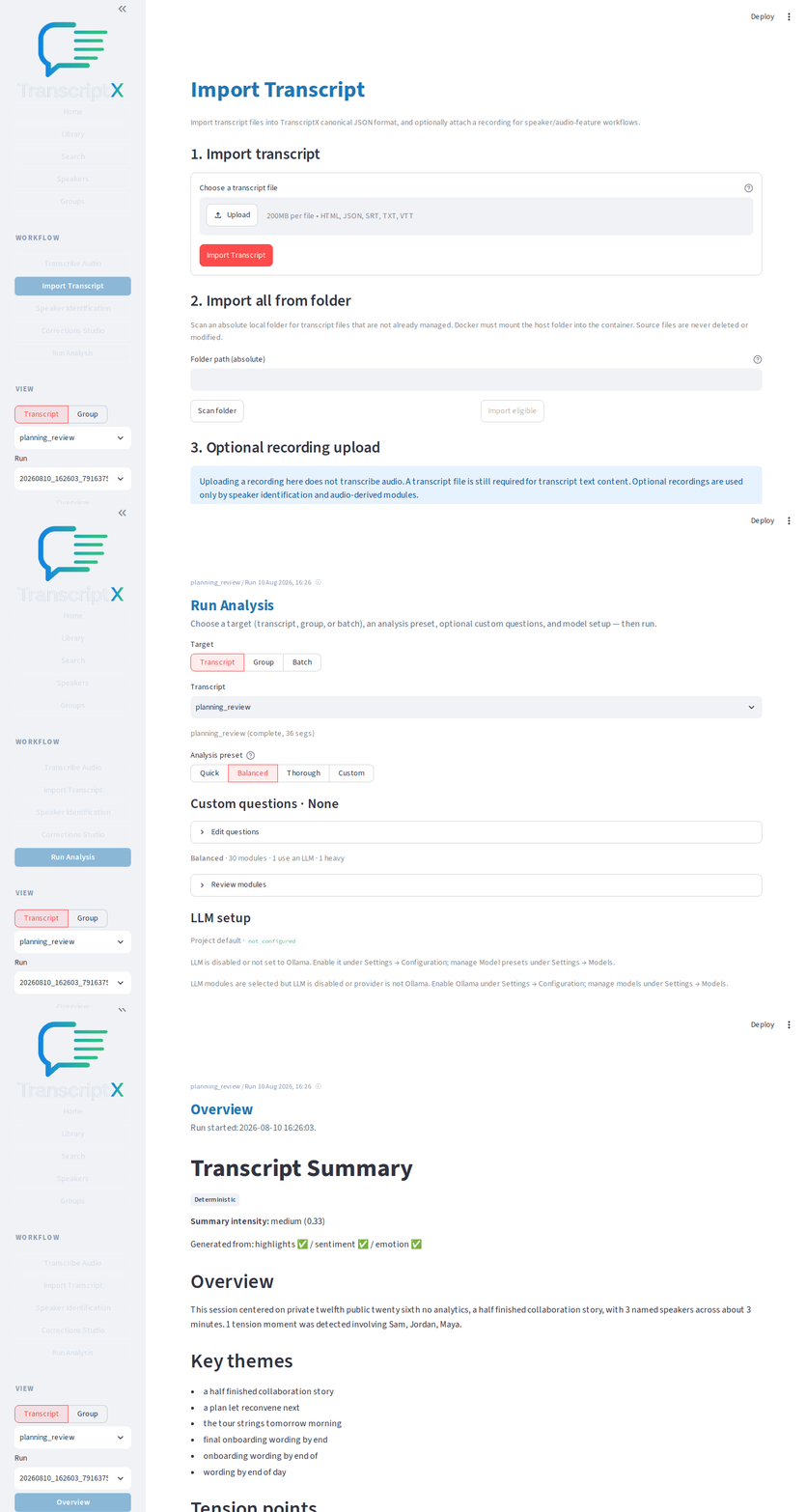
Open Overview for the selected transcript and run. Check At a glance, the speaker cards, and the compact highlights strip.
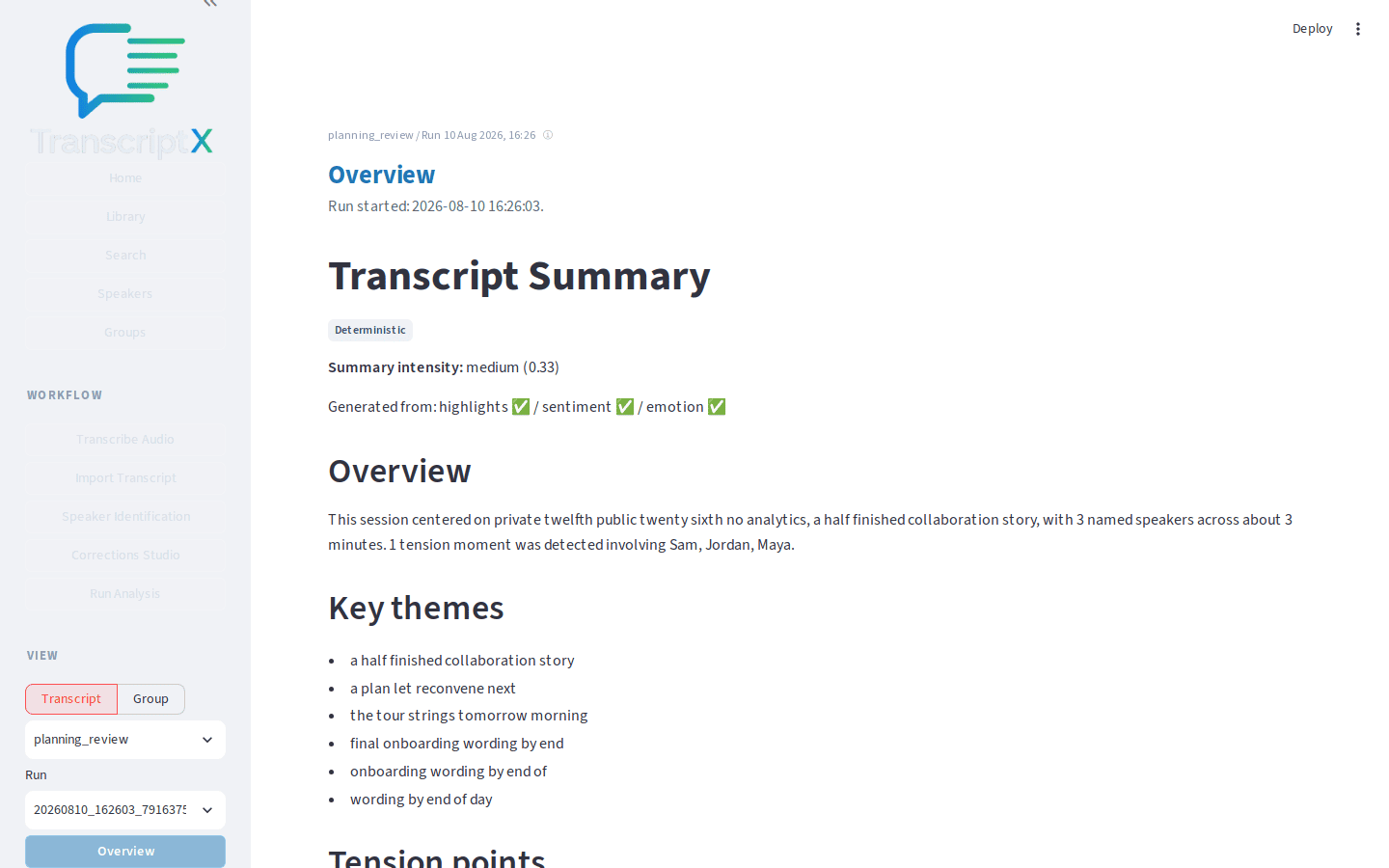
What to notice
Balanced is the recommended first preset: enough signal to explore, without Thorough’s full cost.
Overview is a landing surface, not the whole analysis. Deeper detail lives under Insights, Charts, and Transcript.
Diarized labels (
SPEAKER_00, …) are placeholders until you name speakers; many modules skip until names exist.Run status on Overview tells you whether modules completed, skipped, or failed — useful before you trust a blank panel.
You should now have…
An imported sample transcript, named speakers, a completed Balanced run, and a mental map of Overview’s main blocks.
Next
Identify and name speakers (deeper naming, profiles, audio clips)
Installation if the UI is not running yet